Yokogawa
Open a Yokogawa OTDR file in your browser
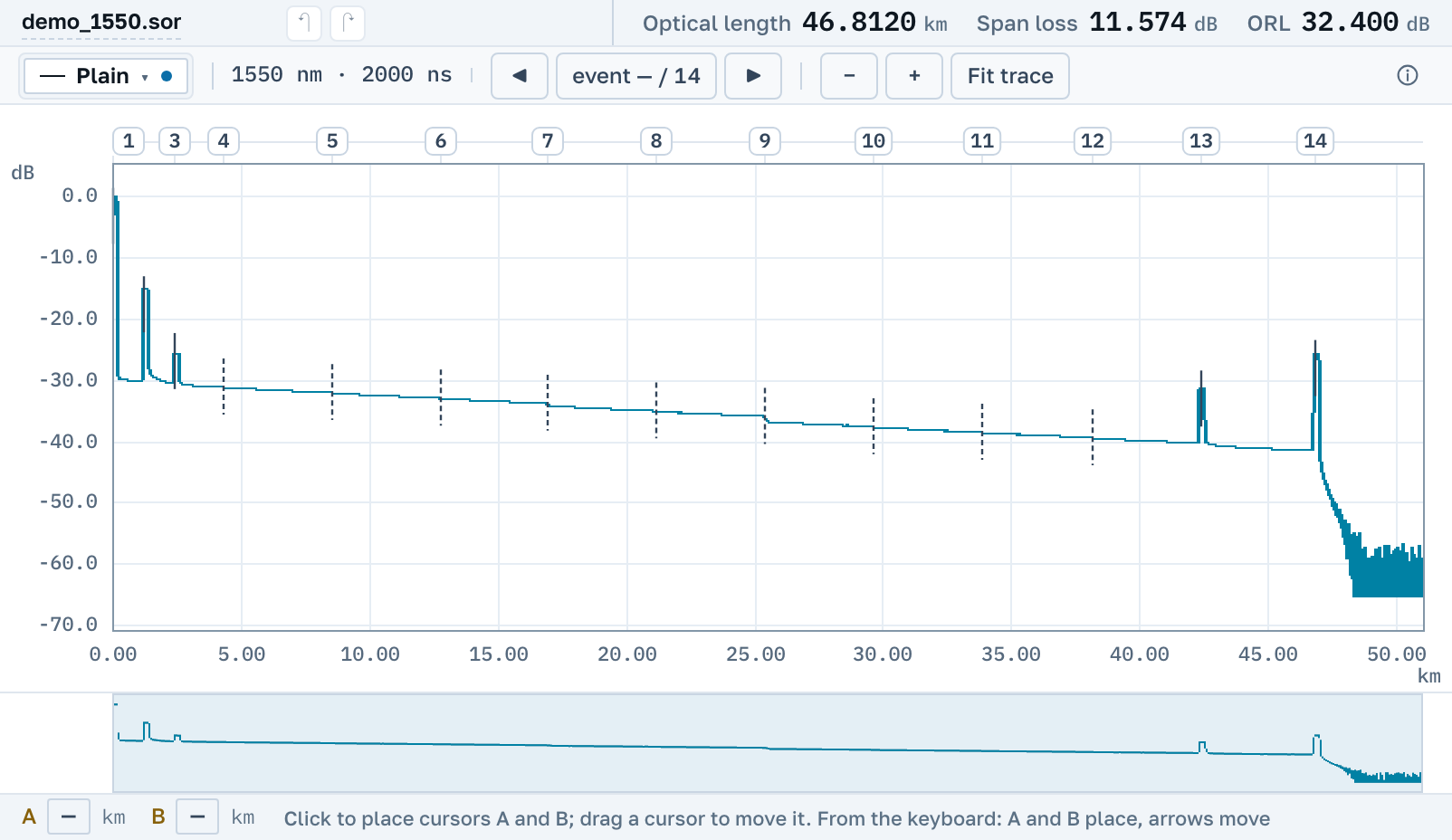
Measurements from AQ series instruments read right here, including the files you would usually install Yokogawa's software for. You need neither that software nor Windows.
AQ files sit in our corpus, and the parser is checked against every one of them.
What we actually read
The AQ instruments write plain Bellcore, and alongside it files that are usually opened in Yokogawa’s own software.
.sor from AQ instruments
The AQ1000, AQ7280 and their neighbours write Telcordia, read by the native parser. That file can also be edited and saved back as .sor.
Files for Yokogawa’s software
You don’t need Yokogawa’s software for them: here they open like an ordinary trace, right in the browser.
Then work, not just viewing
Cursors, events, loss over a span, overlaying neighbouring measurements and saving back to .sor. All of it free.
Yokogawa OTDR viewer free download: what it would give you
There is nothing to install and no account needed. The page opens by link on macOS, Windows and Linux, from a tablet and from a phone.
What we do not read yet
The early Yokogawa and Ando instruments have extensions of their own: .TRD, .TRB, .TRA, .AOD. We do not open those yet, and we name them here instead of promising.
Nearby
.sor file→
Overlay several traces on one chart→
How to read an OTDR trace→
VIAVI and JDSU instruments→
Anritsu instruments→
Do you need to download a viewer→
OTDR Master is an independent service. Yokogawa and AQ are trademarks of Yokogawa Electric Corporation; we are not affiliated with the company and do not ship its software. We only read files its instruments write.