Yokogawa
Open a Yokogawa OTDR file in your browser
Measurements from AQ series instruments read right here, including the files you would usually install Yokogawa's software for. You need neither that software nor Windows.
Have a file from an older Yokogawa or Ando instrument? Send us a sample so we can check it.
What we actually read
The AQ instruments write plain Bellcore, and alongside it files that are usually opened in Yokogawa’s own software.
.sor from AQ instruments
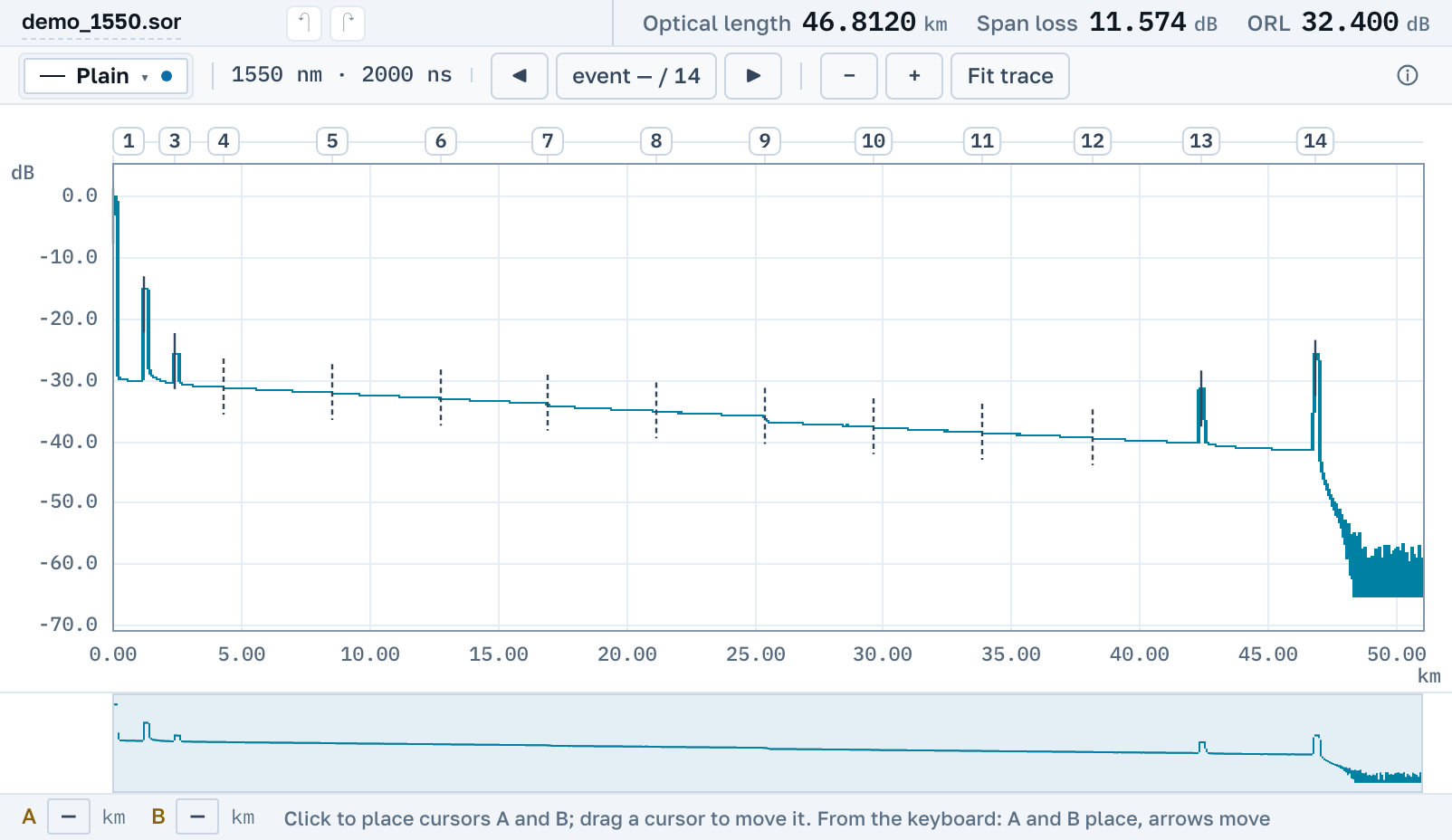
The AQ1000, AQ7280 and their neighbours write Telcordia, read by the native parser. That file can also be edited and saved back as .sor.
Files for Yokogawa’s software
Open .TRB, .TRD, .4 traces from older AQ instruments, or curves exported as .csv. .SSI opens the individual traces. .MPJ shows the fibre plan and which SOR measurements are missing.
Then work, not just viewing
Cursors, events, loss over a span, overlaying neighbouring measurements and saving back to .sor. All of it free.
Yokogawa OTDR viewer free download: what it would give you
There is nothing to install and no account needed. The page opens by link on macOS, Windows and Linux, from a tablet and from a phone.
Ando AQ7210 and AQ7220 files
.TRA files from the Ando AQ7210 and AQ7220 open here like any other trace. Ando .AOD traces open here too.
Nearby
.sor file→
Overlay several traces on one chart→
How to read an OTDR trace→
VIAVI and JDSU instruments→
Anritsu instruments→
Do you need to download a viewer→
OTDR Master works independently of instrument makers and sellers. Yokogawa and AQ are trademarks of Yokogawa Electric Corporation.