Anritsu
Open an Anritsu OTDR file in your browser
.trc in the T5 format, its successor T6, and the extensionless files the Anritsu software writes all open right here, without TraceView and without Windows.
T5 came to Anritsu together with the NetTest and CMA4000 instruments, so the same format shows up under both names.
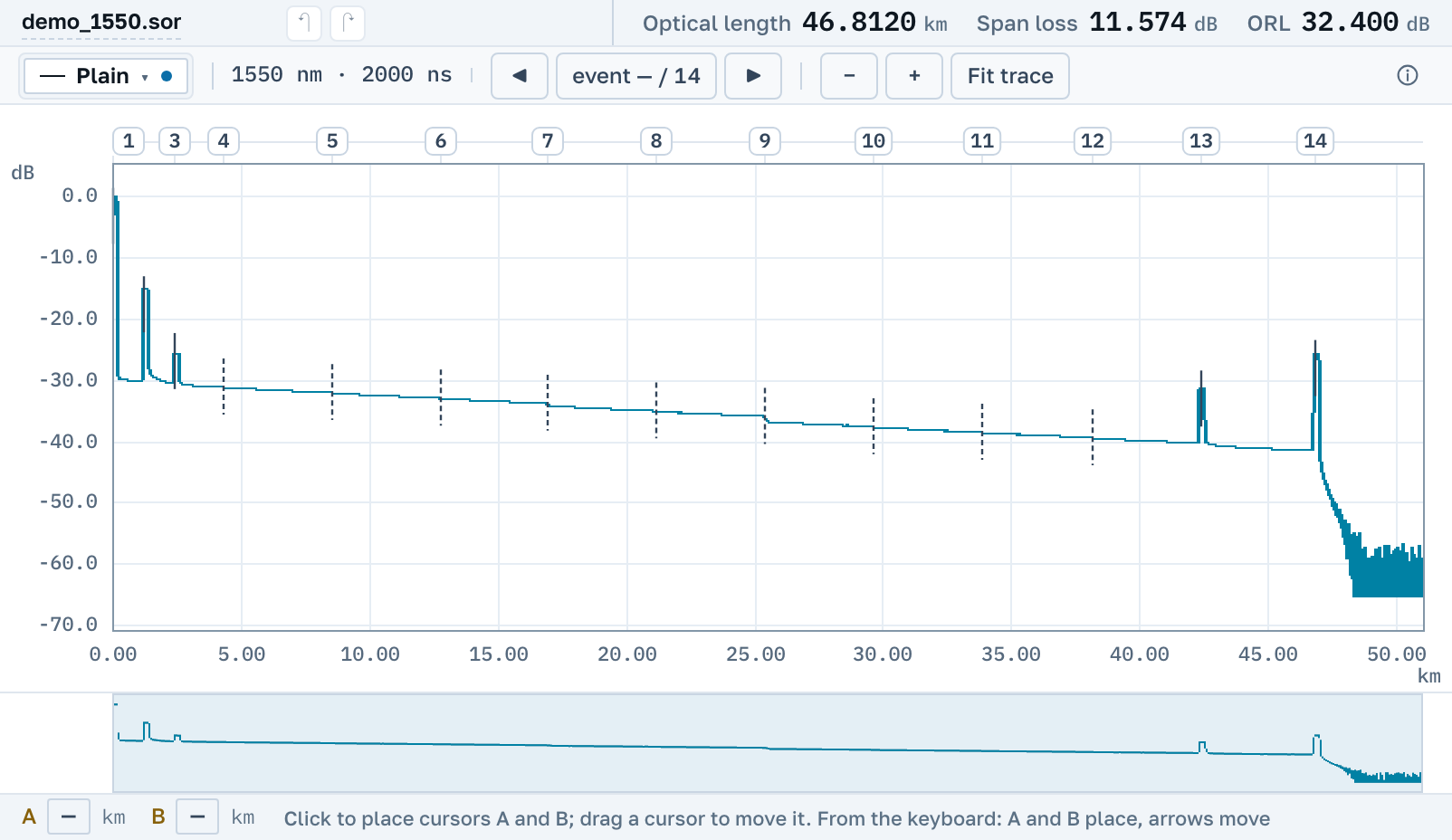
What we actually read
Two revisions of one format, T5 and T6: their signatures differ by a single character, and the insides differ altogether.
.trc in the T5 format
The format of NetTest and Anritsu CMA4000 instruments. The samples sit in our corpus, with distances checked against the vendor's own output.
T6: the next revision
The next revision of the same format, the CMA5000 instruments. Its signature differs from T5 by a single character, and the inside is built differently.
A file with no extension
Anritsu software often saves a measurement with no extension at all. Inside it is ordinary Bellcore: we recognise it by its contents rather than its name, and open it as .sor.
Anritsu trace viewer download: TraceView files in a browser
There is nothing to install and no account needed. The page opens by link on macOS, Windows and Linux, from a tablet and from a phone.
What we do not read yet
Anritsu instruments live long, and the early series have containers of their own. Those we do not open yet.
Nearby
.trc: three different formats under one extension→
How to open a .sor file→
How to read an OTDR trace→
EXFO instruments→
Yokogawa AQ instruments→
OTDR pulse width: what the instrument picks for you→
OTDR Master is an independent service. Anritsu is a trademark of Anritsu Corporation; we are not affiliated with the company and do not ship its software. We only read files its instruments write.