EXFO
Open an EXFO OTDR file in your browser
Files from EXFO instruments open, read and measure right here: .trc, .trcx, .sor and bidirectional .bdr. No EXFO software, no Windows, no admin rights.
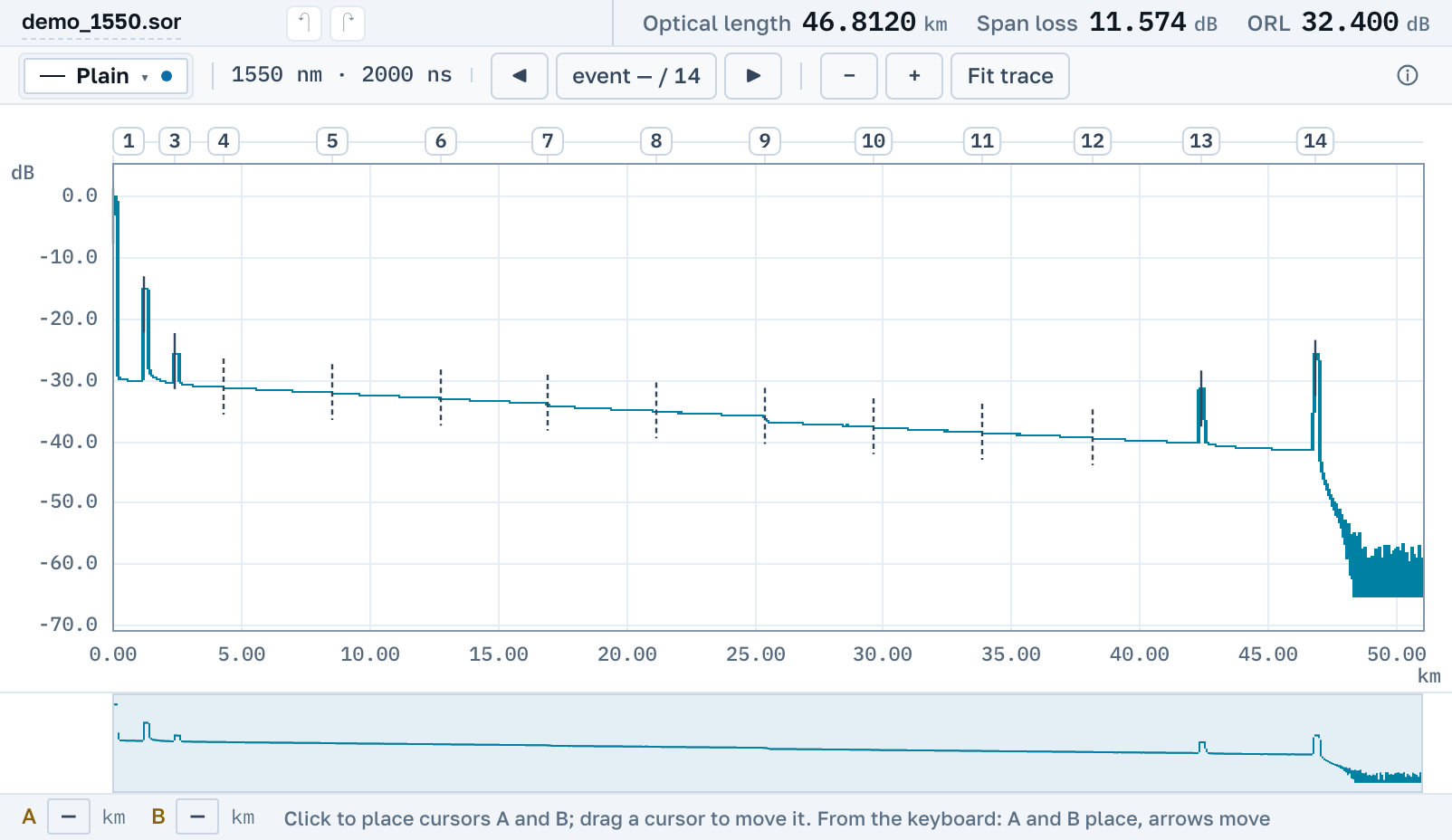
What we actually read
EXFO writes three different containers, and what tells them apart is the signature inside the file rather than the extension. Multi-wavelength .msor files open as well, and loss test set results, .olts, .oltsx and .opm, have a page of their own. Older FTB-100 traces (.ftb100) and iOLM results (.iolm and .iolmbdr) also open.
.trc: the EXFO container
The earlier AppReg File Format from the FTB-300 generation opens here too. "AppReg Format Ex" is what the FTB platforms write and FastReporter opens. The layout was measured across the instrument's own files. If your colleague needs a .sor file, open the EXFO .trc file and save a .sor copy. Your original file stays unchanged.
.sor from FTB platforms
EXFO's Telcordia dialect is read by the native parser, like any other instrument's file. That one you can also edit and save back as .sor. Files from the MaxTester 720C open the same way.
.bdr: bidirectional
The same EXFO container, holding pairs instead of single fibres. Each fibre arrives as two traces, A→B and B→A, and both are visible on one chart.
EXFO OTDR viewer download, and why you needn't
There is nothing to install and no account needed. The page opens by link on macOS, Windows and Linux, from a tablet and from a phone.
Nearby
.trc: three different formats under one extension→
How to open a .sor file→
How to read an OTDR trace→
VIAVI and JDSU instruments→
Anritsu instruments→
Why a connector reflects so much→
OTDR Master works independently of instrument makers and sellers. EXFO is a trademark of EXFO Inc.