Android · Chrome
Open a .sor file on an Android phone
A trace arrives in a messenger while you are on site, and the program that reads it runs on Windows. Here the file opens in Chrome on the phone. You see the trace, the event table and the acquisition parameters, and you install nothing.
Free, and you do not need an account.
Opening a trace on the phone
- 01
Save the file to the phone
Save it from the messenger or the mail into the phone's storage. Leave an archive as it is:
.zip,.7zand.raropen here packed, so you do not need an unpacking app. - 02
Open the app in Chrome
Go to otdrmaster.com/app. It is a web page, so Google Play is not involved and nobody asks you for an account. If you want an icon for it, Chrome's menu has "Add to Home screen".
- 03
Choose the file
Tap the open button and pick the file from Downloads or from the folder you saved it to. The trace opens with the instrument's event table under it.
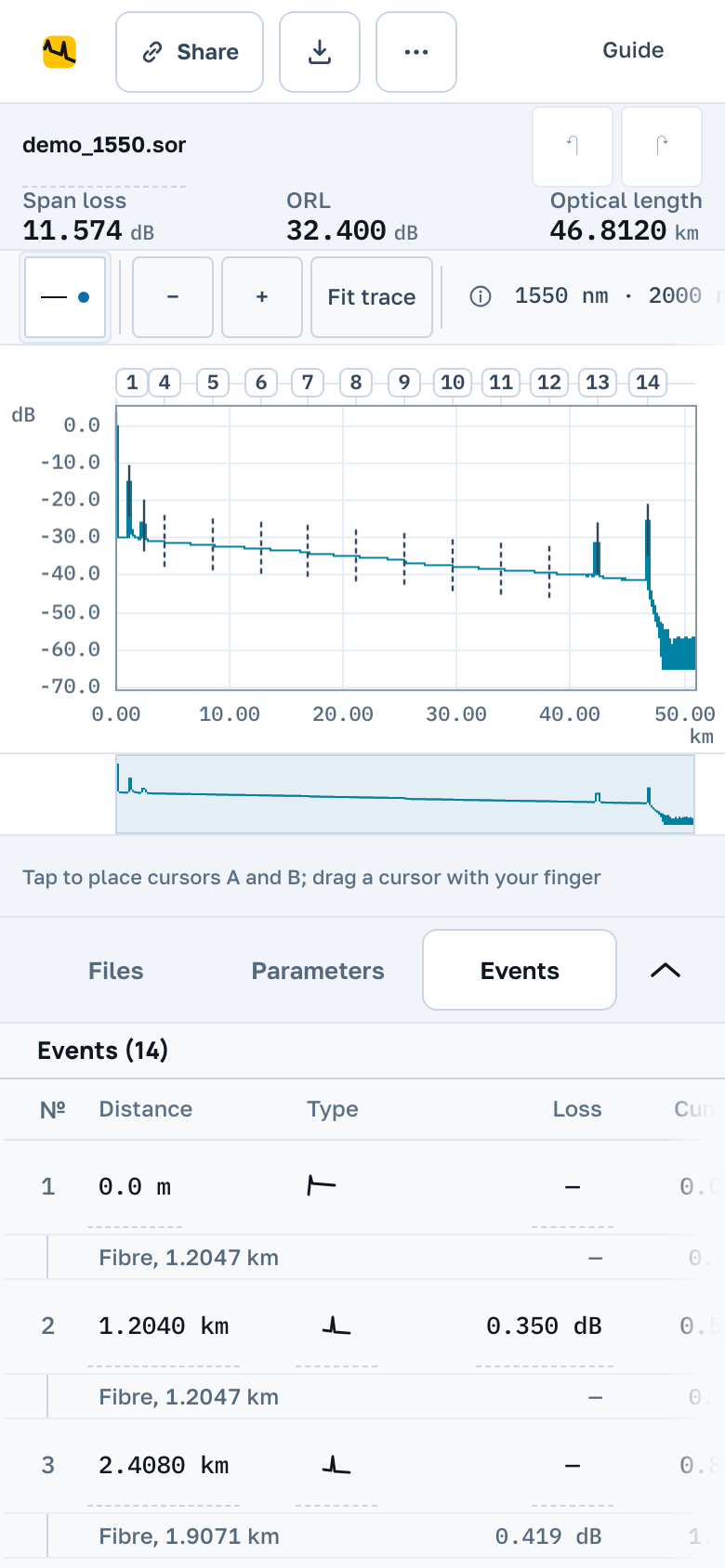
What you get on a phone screen
The phone runs the app a computer runs. The layout is rearranged for a narrow screen and a finger.
The trace and the events
The trace stays at the top, and the files, parameters and events sit on tabs below it. One finger pans, two fingers zoom, a tap places a cursor. With cursors A and B on the trace, the status line reads the loss between them.
Editing and saving
You can edit the events and the header on the phone. The edited trace saves as .sor, and the instrument's own software opens that file on a Windows laptop.
A report and a link
The PDF report is made on the phone as well. Share gives you a link, and the person who opens it gets their own copy of the trace with your edits in it.
The file still has to leave the instrument
We do not connect to the instrument, and neither does this page on your phone. The trace leaves the instrument the way it always has: on a USB stick or an SD card, over a cable, or through the instrument's own network and app if it has one. A phone that supports USB OTG reads the stick through an adapter.
When a computer is the better tool
The page needs a connection, and without one a file will not open. A cable of several dozen fibres is also slower to go through on a small screen.
Sign in with your email and the files you opened on the phone are on the laptop too.