.trc
How to open a .trc file
One extension, three formats underneath it, and nothing in common between them. We tell them apart by content; all you do is drop the file into the window.
If another viewer told you the file was corrupt, it was most likely just expecting a different one of the three.
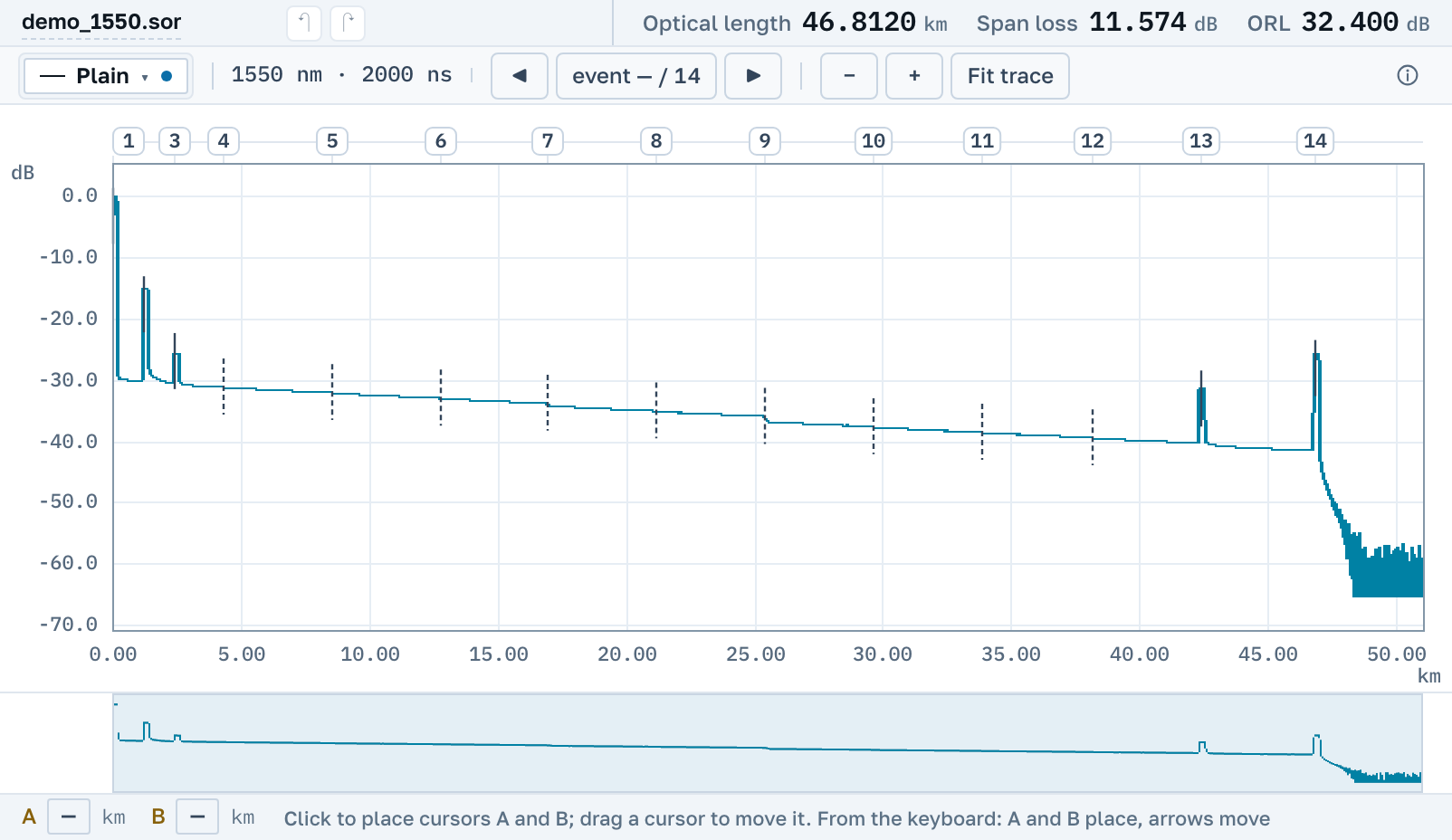
Three formats under one extension
What separates them is a signature inside the file rather than the extension, which is why "open a .trc" without reading the contents works for nobody.
The EXFO container
"AppReg Format Ex" from the FTB platforms. The layout was measured across the instrument's own files, and every build checks them against EXFO's own engine.
Anritsu / NetTest T5
The format of the CMA4000 instruments. Distances were checked against the vendor's own output.
Anritsu T6
The next revision of the same format.
Converting .trc to .sor
An import opens read-only: we do not edit a .trc and do not write back into it. But you can explicitly build a .sor out of the opened file, and inside it stays a record of which format it was built from, when, and what the source did not carry at all. After that it is an ordinary trace: editable, savable, and it opens in the instrument's own software.
There is nothing to download
People look for a .trc viewer as an installer: "trc viewer", "otdr trc file viewer free download". There is nothing to install and no sign-up, and the page opens by link on macOS, Windows and Linux.