FiberTrace
FiberTrace files in the browser
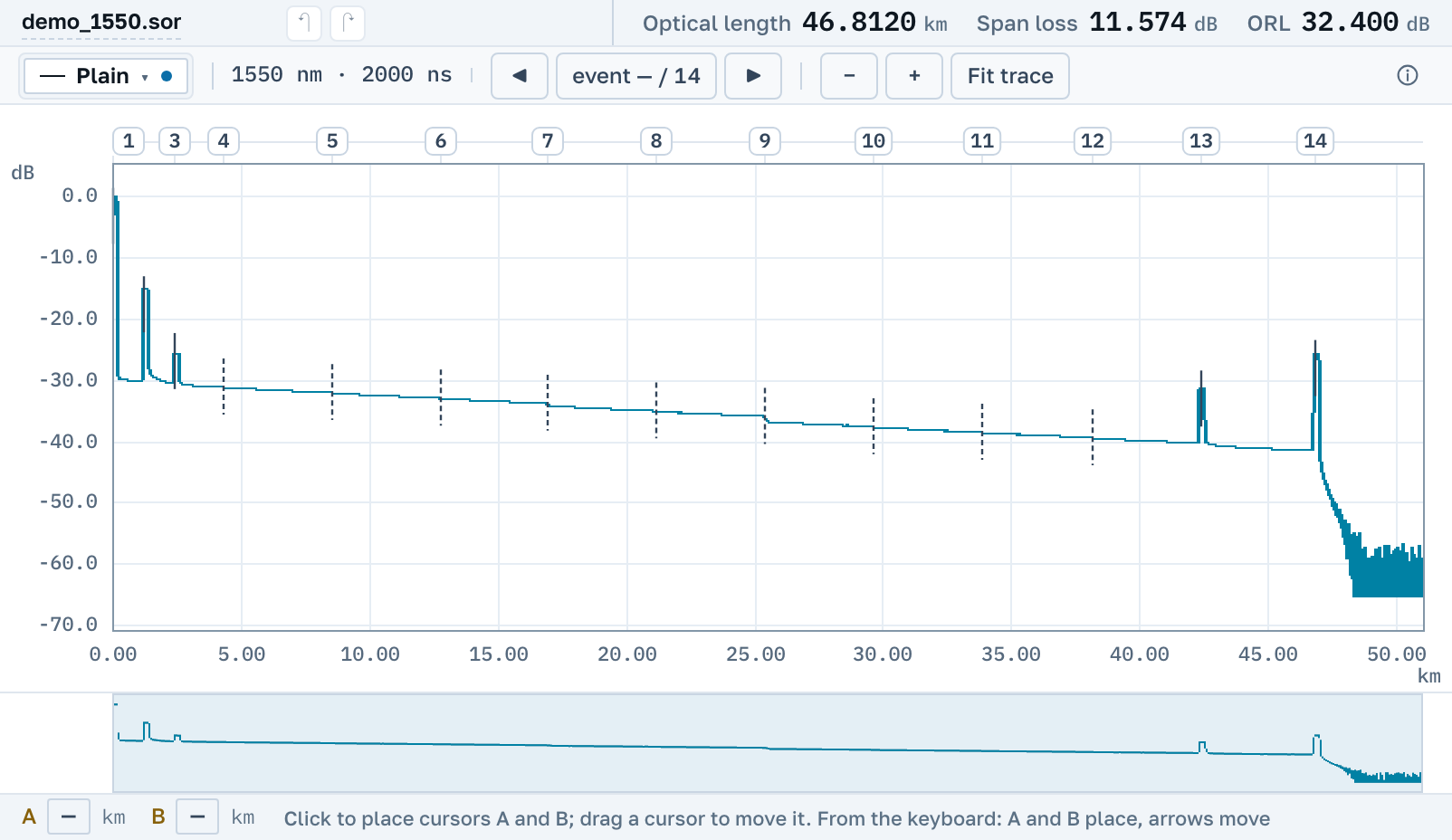
FiberTrace 2 and FiberCable are desktop programs from JDSU and VIAVI, and the files they write are ordinary ones: .sor and .msor. Drop one here and you see the fibre trace, the events and the parameters of the measurement, with no FiberTrace and nothing to install.
If you were after a way to look at a fibre trace rather than after the program itself, the answer is the same button, and it takes any instrument's file.
What this family writes
There are several extensions, and they open in different ways.
.sor
Plain Bellcore, the same as the MTS and T-BERD instruments write. It is read, edited and saved back in the same format.
.msor
One file holding two wavelengths, 1310 and 1550 nm. Both traces arrive together and share one chart, each in its own colour, with one pair of cursors.
.csor
SmartOTDR’s own container, closed by the vendor. Here it opens like an ordinary trace.
Nothing to install
FiberTrace 2 and FiberCable are Windows programs shipped with their own line of instruments. Here the same thing opens by link: on macOS, on Linux, from a tablet, and another vendor's file sits next to yours.
What you can do with the file next
Measure a span with cursors by two methods, correct the events and the header, lay the neighbouring fibres beside it, and save back to a .sor that opens in FiberTrace. A file you changed nothing in comes back byte for byte as it went in.
Nearby
Opening, measuring, correcting and saving are free, with no account.