Knowledge base · Acquisition
How to use a mini OTDR
A mini OTDR is the low-cost handheld unit sold on marketplaces: NOVKER, Joinwit, Komshine, Grandway, TriBrer, SNR, NOYAFA, COMPTYCO AUA, Senter and many other names. It is often the same instrument under different brands, with the same case, screen and menu, so they all work the same way. This page covers the order of acquisition, how to get the file off the unit and what to open it with.
Nearly all these units write a plain .sor, and it opens here without the software from the disc, on any system and from a phone.
By Vera (new to the field) ·
What the unit does and which modes it has
The menus of different brands are laid out much alike, with the OTDR as one item among several functions.
What is in the box
Besides the OTDR there is nearly always a red laser for finding breaks (VFL), a power meter, a light source and an event map that draws the link as icons. A network cable tester and a flashlight are often added. The event map is handy for a quick look, but the measurement itself is recorded in the trace.
Auto and Expert
In automatic mode the unit picks range, pulse and acquisition time itself. In manual mode, called Expert or marked with an "M", you set them yourself, together with the refractive index and the thresholds. Some units also have a one-button mode named iOLA.
Wavelengths
The usual pair is 1310 and 1550 nm. PON units add a filtered port at 1625 or 1650 nm for testing fibre that carries traffic, and multimode versions shoot at 850 and 1300 nm. A live fibre goes only into the filtered port, never into the ordinary one.
How to shoot
Automatic mode is fine for a first look and for finding a break. For a measurement that goes into the paperwork, Expert is better. Set the range longer than the link, choose the pulse width for the task (a short pulse separates close events, a long one reaches the far end), and give averaging more time so that noise does not hide small events. Take the refractive index from the cable datasheet, or every distance will drift.
On many mini units the detection threshold is set so that small splices never reach the event table. The curve is still recorded in full and the splice shows on it; it just was not called an event. The threshold is changed in the Expert settings, and the guide on the detection threshold covers it in detail.
Most mini units have no launch cable setting, but a launch cable is still worth using: without one the first connector of the link hides in the unit's own dead zone. Its length then has to be subtracted from distances by hand. Listings sometimes give the range of the built-in power meter as the dynamic range, and the two are different quantities.
How to get the file off the unit and what to open it with
The unit keeps traces in internal memory or on a TF card. There are four ways to get them off: take the card out and put it in a computer, plug a USB stick into the unit's USB port and copy to it, connect the unit to a computer with a USB cable, where it usually shows up as a drive, or, on the larger models, send them over Wi-Fi or Bluetooth to a phone app.
The PC software comes on a disc or memory card, or the seller sends it by email. It often has no name, runs only on Windows, and can be hard to find later. Only some large-screen models make a PDF report on the unit itself.
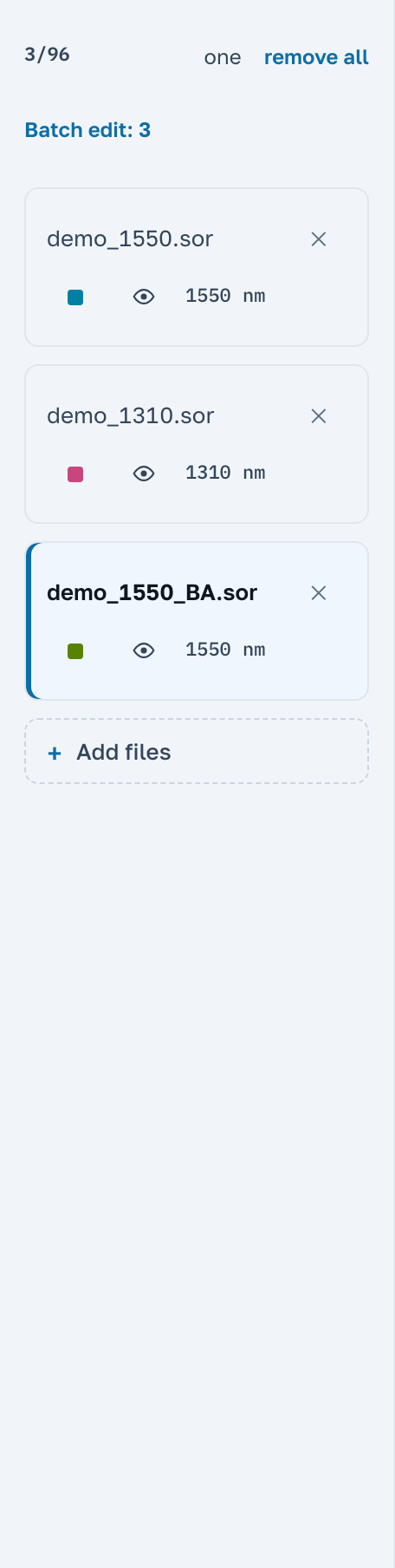
A .sor from any such unit opens here: press Open file or drag the file into the window. You get the trace, the event table the unit recorded and the acquisition parameters. If the unit left a small event out of the table, the Our analysis switch shows what we found on the curve. A PDF sheet for the trace and a link for a colleague are made right here, free.
The unit name in the file header tells you what is printed on the case, not which factory built it: identical units are sold under different brands. The header can be corrected; there is a separate guide on that. If the unit saved the trace in a format of its own rather than .sor, open the file anyway: if we do not read that format yet, the app says so plainly.
Next
The brands are named here so that you can recognise them. OTDR Master is not affiliated with any instrument maker and only reads their files.