macOS · Linux · Android · iPhone
An OTDR viewer for Mac, Linux and phone
Instrument makers write their trace software for Windows. Here the file opens in the browser: on a Mac, in Linux, on a phone out on site. You get the trace, the event table and the acquisition parameters, and you install nothing.
Free, and you do not need an account.
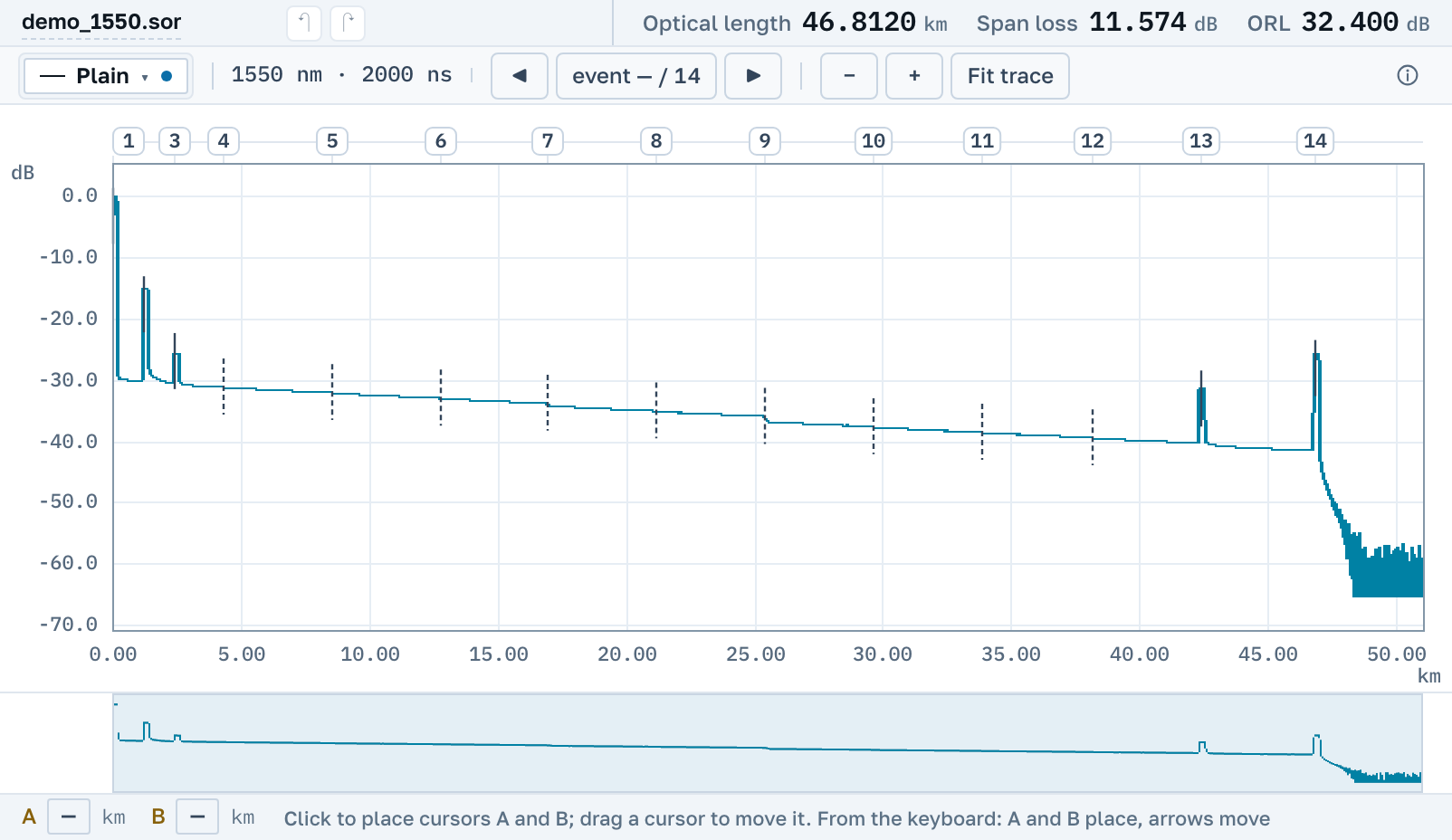
The same app on every system
A Mac, a Linux machine and a phone get the app Windows gets: cursors, event detection, editing, saving as .sor, the PDF report and a link for a colleague.
macOS
Safari or Chrome is enough. You do not need Parallels, Wine or a virtual machine to start a Windows program. A trace saved here as .sor opens in the instrument's own software on a colleague's Windows laptop.
Linux
Firefox or Chrome on any distribution. There is nothing to build and nothing to run under Wine.
Phone and tablet
The trace fills the screen, and the files, parameters and events sit on tabs below it. One finger pans, two fingers zoom, a tap places a cursor. A file opens from a messenger, from mail or from the Files app. A .zip of traces opens as it is, which matters on Android: it will not unpack an archive without a separate app.
Passing a trace to someone without Windows
Press Share and send the link. A colleague on a Mac or a phone opens their own copy of the trace with your edits in it, installs nothing and signs up for nothing.
Getting the file off the instrument has not changed
We do not connect to the instrument. The trace leaves it the way it always has: on a USB stick or an SD card, over a cable to a computer, or through the instrument's own network and app if it has one. Once the file is on the phone, in a messenger, in mail or in cloud storage, it opens here. On site the quickest route is to send the file to yourself in a messenger and open this page on the same phone.
Sign in with your email and the files you opened on the laptop are on the phone too.