.sor
How to open a .sor file
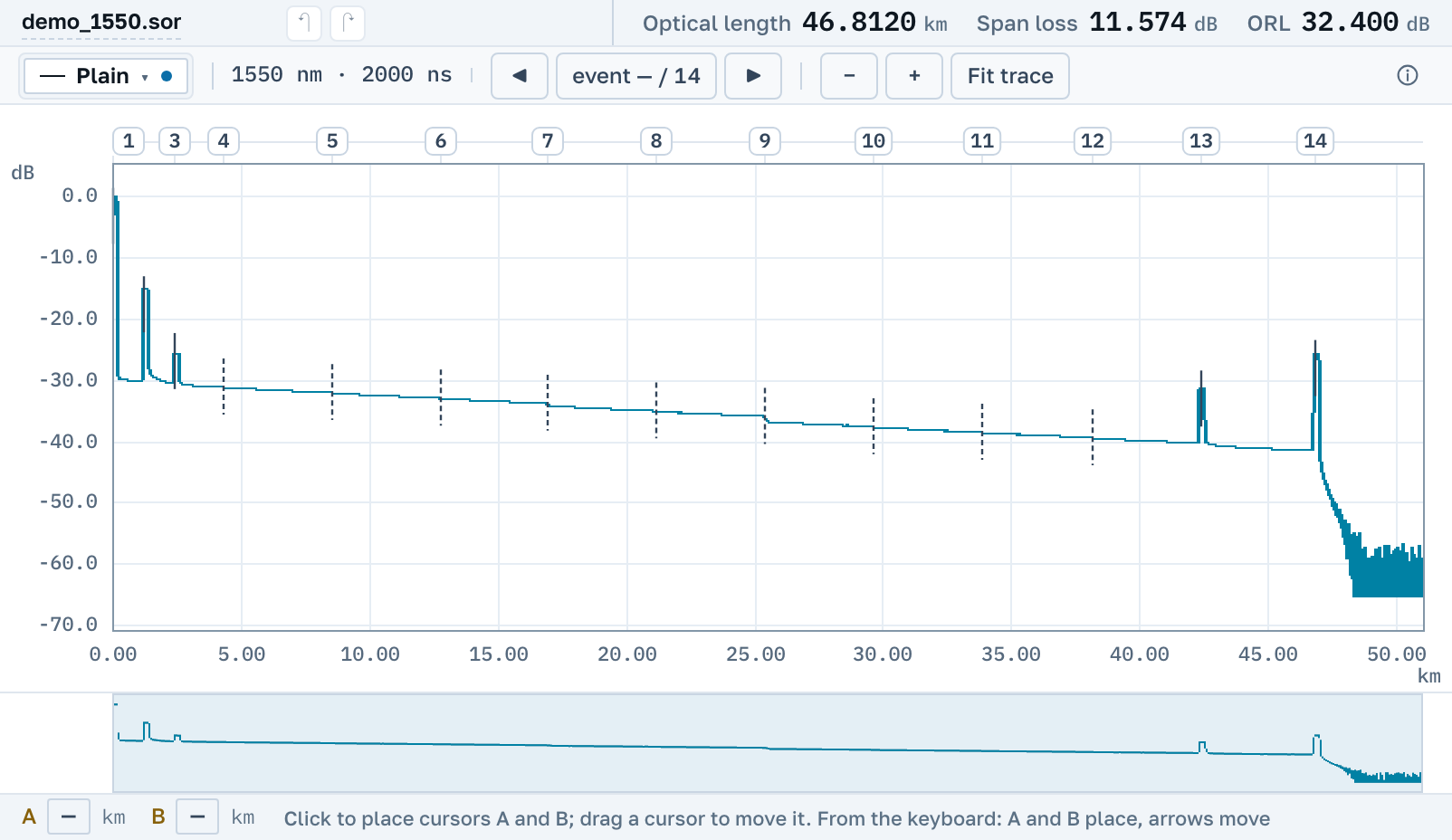
Drop the file into the window and you see the trace, the events and the measurement's parameters. Both versions of the standard, every instrument's dialect, nothing to install.
Nothing to installNo sign-upBoth versions of the standard
Into the browser window or with the Open button. A batch of files or an archive works too.
The curve, the instrument’s events, lengths and acquisition settings on one screen.
Back to .sor, as a PDF sheet, or as a link a colleague can open.
What the file is
.sor is a Standard OTDR Record, the trace format written by instruments from nearly every manufacturer.
Bellcore and Telcordia
The GR-196 standard exists in two versions, 1.x and 2.x, and instruments still write both. Both are read; you do not have to tell them apart.
More than the curve inside
Refractive index, wavelength, pulse width, operator, comment and the instrument's own event table. All of it is on screen next to the trace.
A file with no extension is one too
Some vendors' software saves a measurement with no extension at all. The format is recognised by content, so such a file opens like any other.
There is nothing to download
There is nothing to install and no sign-up. The page opens by link on any system, including somebody else's computer and a phone.
And what to do with it next
Measure a span with cursors, correct events and metadata, trim the tail, recalculate for a different refractive index, and save back to a .sor that opens in the instrument's own software. The original bytes are kept whole: a file you changed nothing in comes back byte for byte as it went in.
Nearby
.trc file→
How to read an OTDR trace→
SOR to PDF: an OTDR trace report→
By manufacturer