.tst
How to open a .tst OTDR file
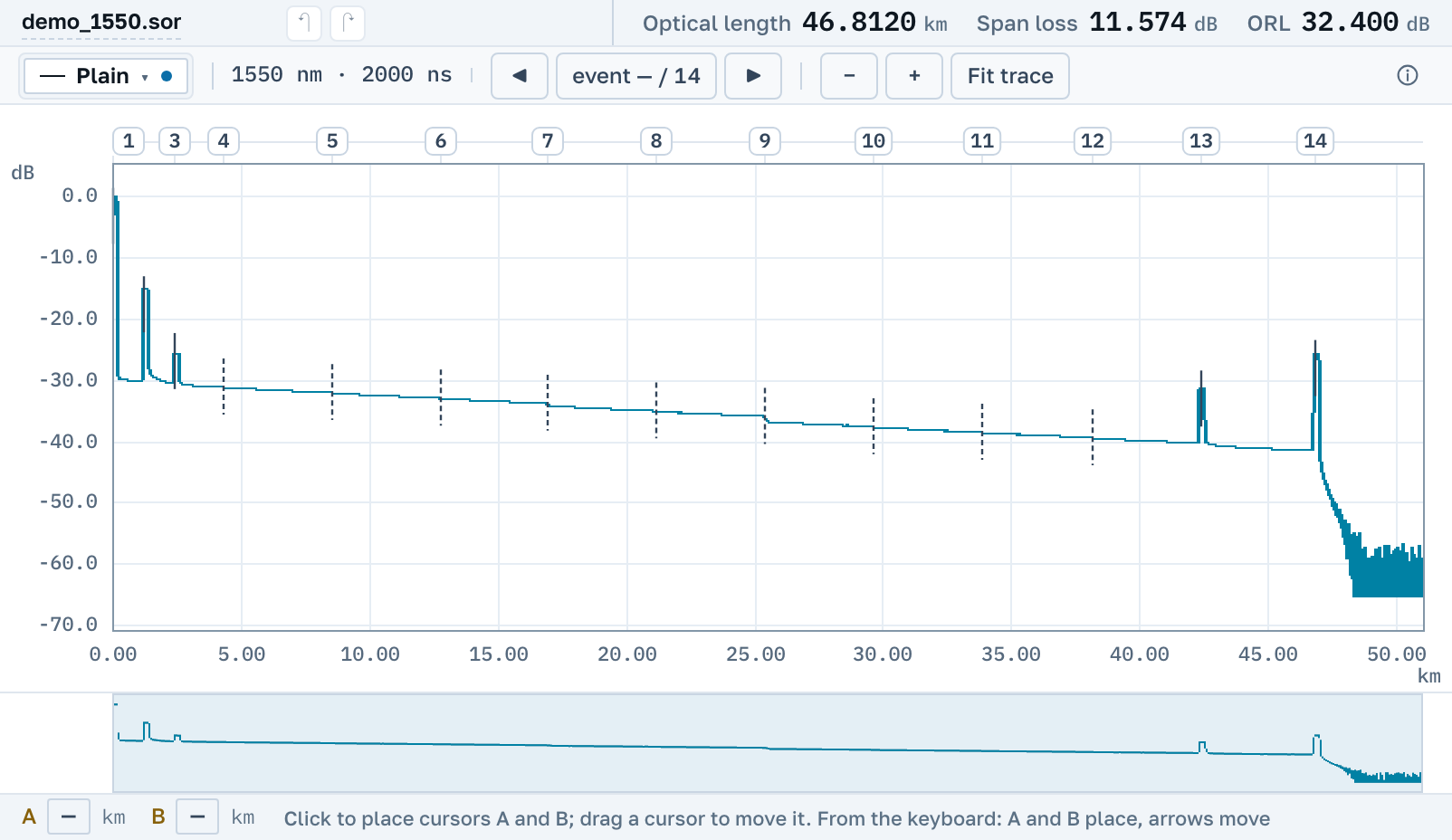
Fluke OptiFiber and OptiFiber Pro OTDRs save their traces as .tst. Drop the file into the window and the trace opens in the browser. You do not need to install anything, LinkWare included.
A .sor viewer will not open a .tst, because Fluke uses its own format rather than Telcordia's. Copper certification results (DSX, .flw) do not open here either.
Three formats under one extension
Over the years Fluke has written .tst in three incompatible ways, and the file name does not tell you which one you have. We tell them apart by content.
OptiFiber Pro
The OTDR module of the Versiv platform. The instrument's event table opens along with the trace.
OptiFiber, early firmware
The OF-500 of the early 2000s. One record can hold both fibre ends and a channel map, and each trace opens on its own.
OptiFiber, later firmware
The same OF-500 on newer firmware, which writes the file differently. For both OptiFiber firmwares the instrument's event table is not read yet, so "Our analysis" finds the events on the trace.
Saving .tst as .sor
The .tst itself opens read-only: we do not edit it and do not write back into it. From the opened trace you can build an ordinary Telcordia .sor, and inside it stays a record of which format it was built from, when, and what the source did not carry. Any other maker's software opens that file, and it can go to a contractor who has no LinkWare.
No need to install LinkWare
Fluke's own program for .tst files is LinkWare PC. It runs on Windows and has to be installed. Here the file opens by link on Windows, macOS, Linux and a phone, with no account. The PDF report and a link for a colleague are free.