VIAVI / JDSU
Open a VIAVI or JDSU OTDR file in your browser
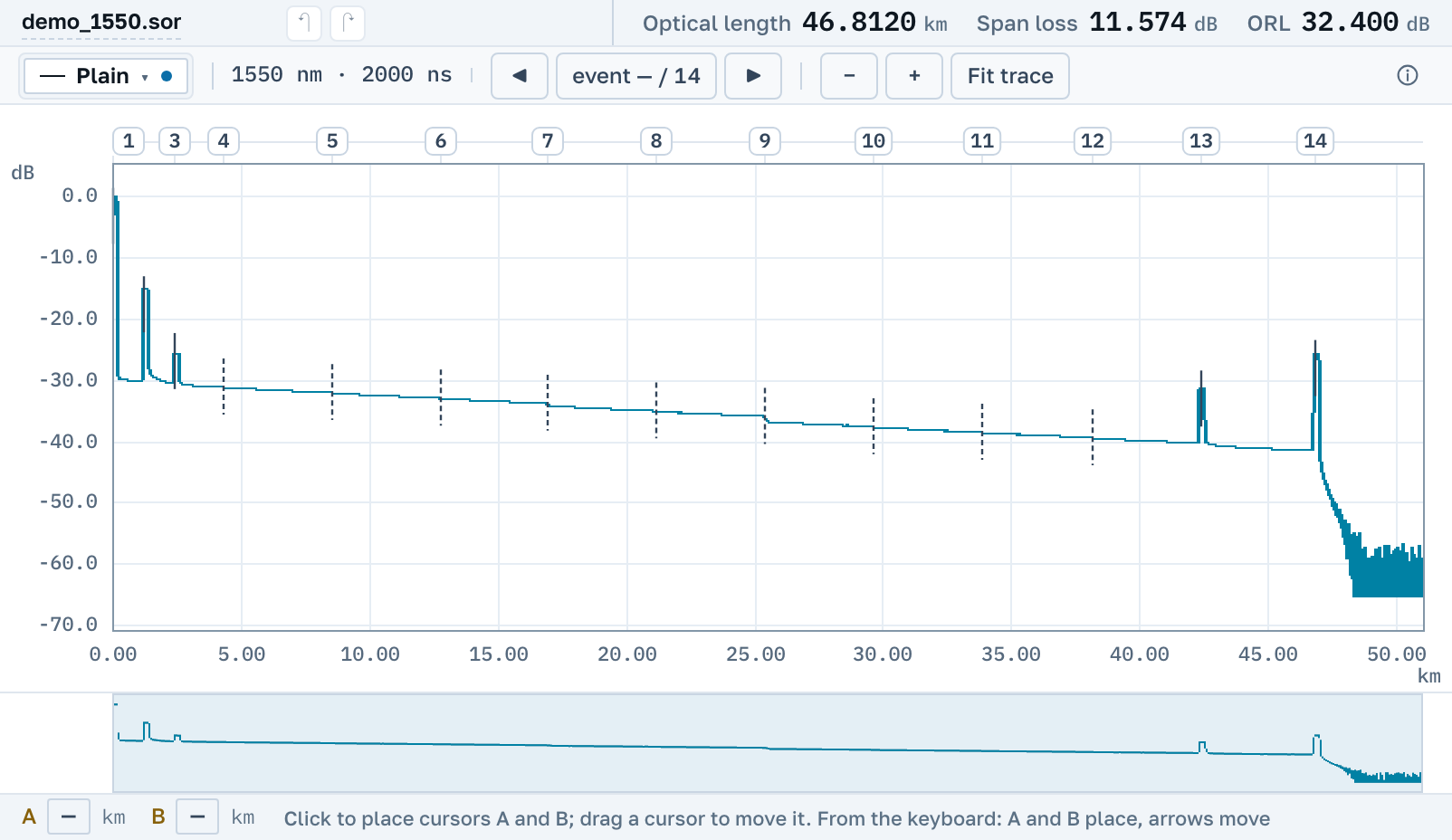
.msor with two wavelengths in one file, and plain .sor from the MTS and T-BERD platforms, open right here, without FiberTrace, FiberCable or any other program on your disk.
VIAVI and JDSU are the same instrument at different ages: JDSU became part of VIAVI in 2015, and the files are shared.
What we actually read
One family, several extensions: plain Bellcore, two wavelengths in one file, and the closed SmartOTDR container.
.msor: several wavelengths
One file holding both 1310 nm and 1550 nm. Both traces are read and shown together, the way the instrument recorded them.
.sor from MTS and T-BERD
MTS instruments write plain Bellcore, read by the native parser from day one. Our corpus holds MTS-2000, MTS-4000, MTS-6000 and MTS-8000, under the Acterna, JDSU and Viavi names. That format can also be edited and saved back.
Both wavelengths on one chart
Curves overlay each other, each in its own colour, sharing the cursors. It is free, and it is not capped at two traces.
VIAVI OTDR trace viewer download: what you would install
There is nothing to install and no account needed. The page opens by link on macOS, Windows and Linux, from a tablet and from a phone.
.csor SmartOTDR
.csor is SmartOTDR’s own container, closed by the vendor. Here it opens like an ordinary trace.
Nearby
.sor file→
Overlay several traces on one chart→
How to read an OTDR trace→
FiberTrace files→
EXFO instruments→
Yokogawa AQ instruments→
The detection threshold: why an event is missing→
OTDR Master is an independent service. VIAVI, JDSU, Acterna, MTS and T-BERD are trademarks of VIAVI Solutions Inc.; we are not affiliated with the company and do not ship its software. We only read files its instruments write.