Wavetek / Acterna
Open a Wavetek or Acterna OTDR file in your browser
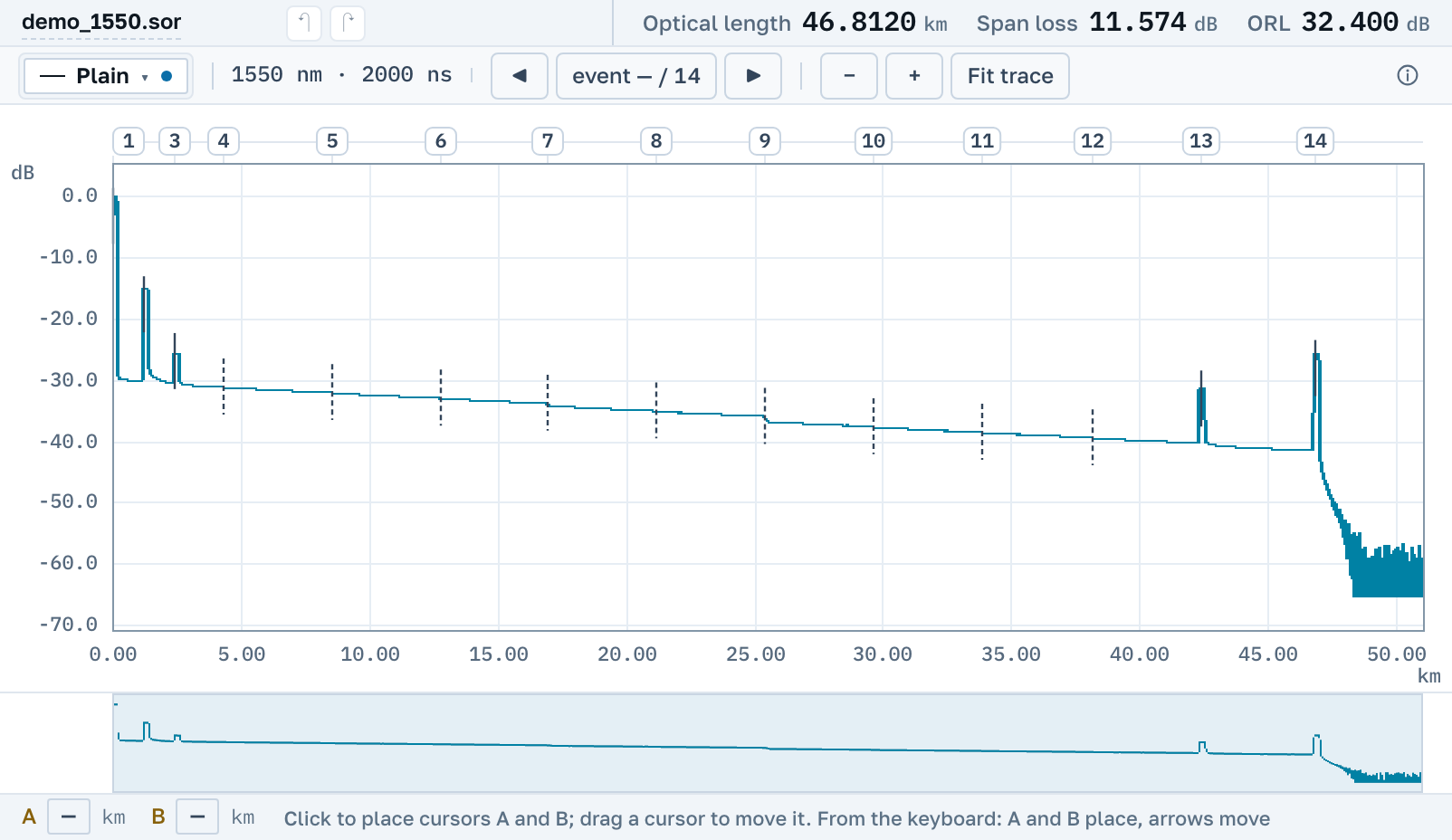
Files from Wavetek and Acterna instruments open here: .TFW from WinTrace and Fiber Trace, .wtk from the MTS 5000 platform, and plain .sor. You need neither the vendor's program nor a licence for it.
The line has changed names several times: Wavetek, then Acterna and JDSU, and today it belongs to VIAVI. The format is recognised by content, so a renamed file opens too.
Which files open
There are three extensions, and all three are read.
.TFW
The own format of the WinTrace and Fiber Trace programs. All three of its dialects open.
.wtk
The own format of the MTS 5000 platform. The instrument's manual recommended saving in it, so old archives hold many such files.
.sor
Plain Bellcore from the same instruments. It is read, edited and saved back in the same format.
You do not need the vendor's program
Of the vendor's programs, VIAVI FiberCable 2 reads .wtk. It is a Windows program, and you work in it under the vendor's licence.
Here the file opens by link in the browser: on Windows, macOS and Linux, on a tablet and on a phone. You do not need an account. A .TFW or .wtk can be turned into a plain .sor that any OTDR trace program will open.
Nearby
.sor file→
OTDR trace report as PDF→
FiberTrace files in the browser→
How to read an OTDR trace→
How to open a WTK file from a Wavetek MTS 5000 OTDR→
What the events on a trace mean→
By manufacturer
OTDR Master works independently of instrument makers and sellers. Wavetek, Acterna and MTS are trademarks of their owners.